Installation
How to Download Plugin Files
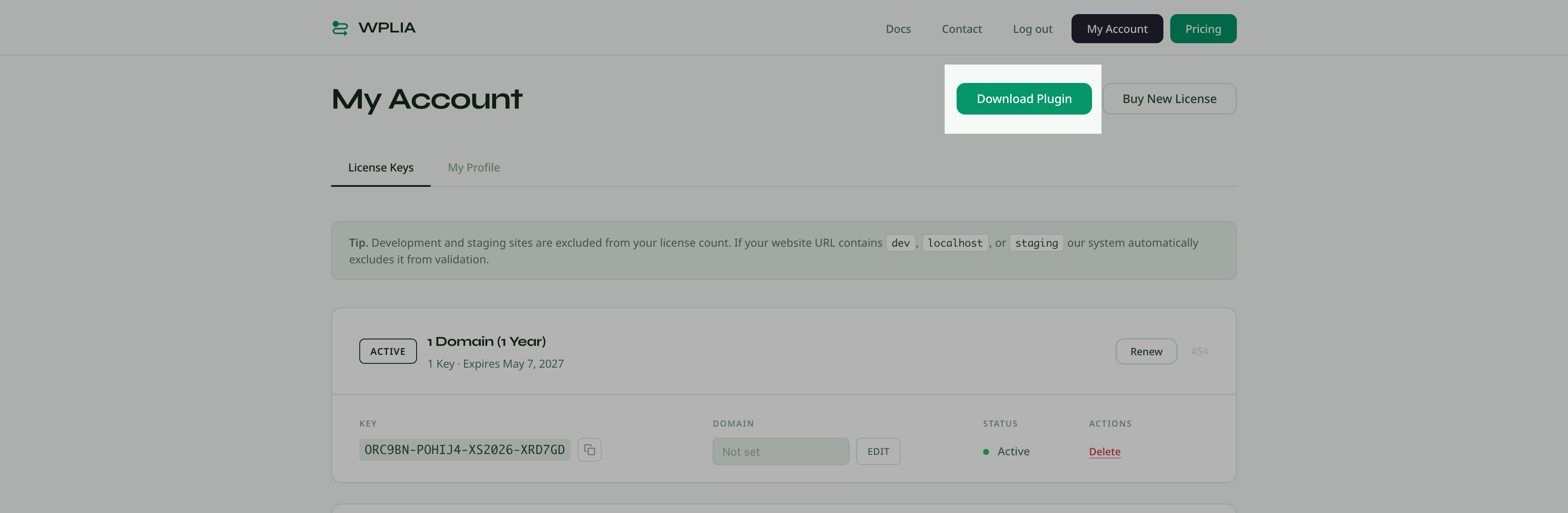
After you log in to your account, click the "Download Plugin" button at the top of the "My Account" page. This downloads the latest version of the plugin as a ZIP file.
Before You Start
Make sure you have:
A valid license key
The download ZIP package with plugin files
Installing from a ZIP File
Log in to your WordPress admin dashboard
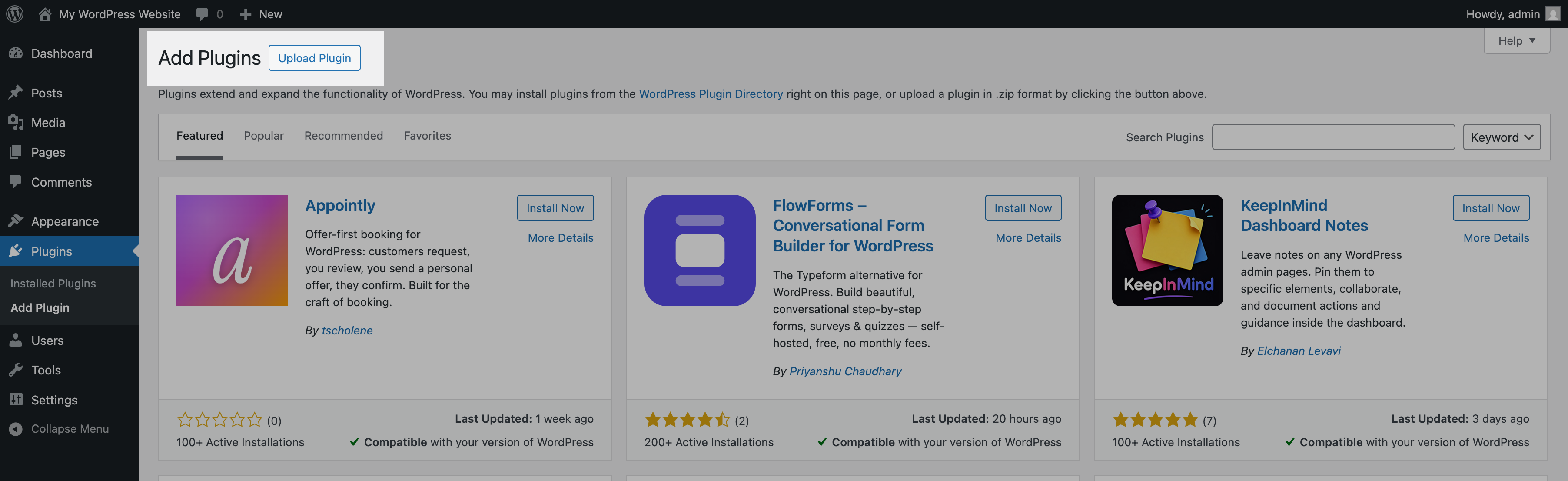
Go to "Plugins > Add New Plugin"
Click the Upload Plugin button at the top of the page
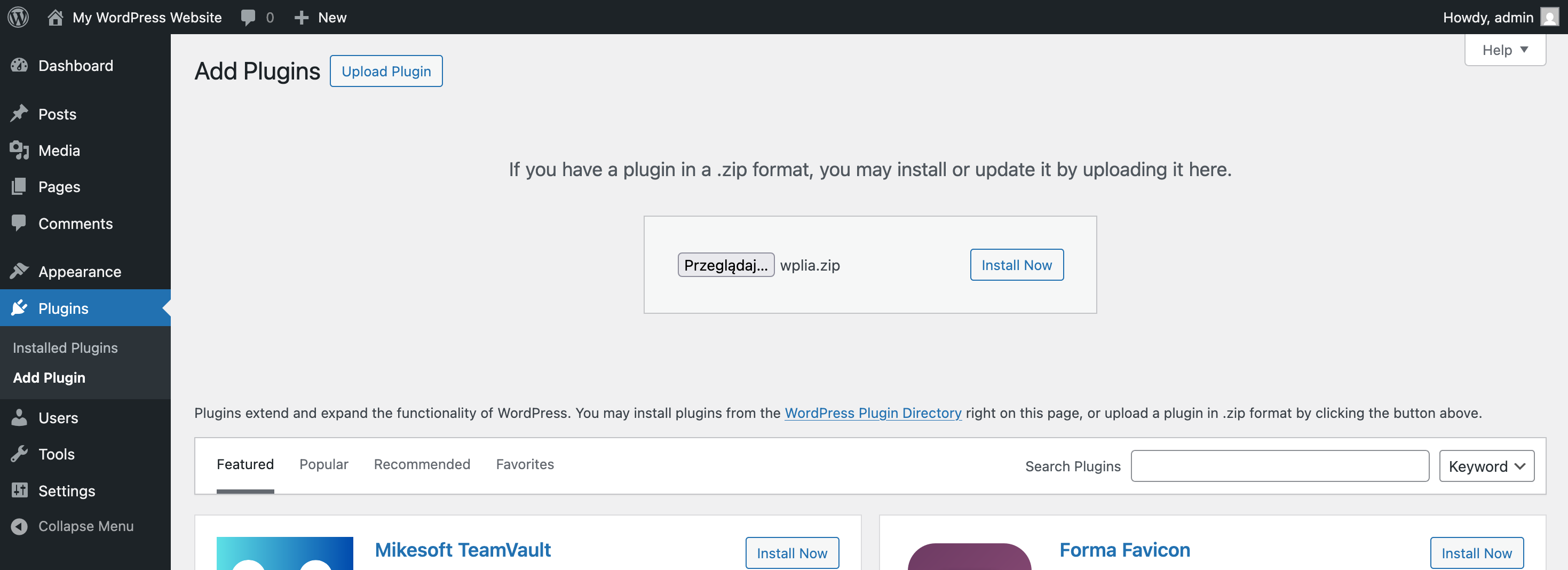
Click Choose File and select the WPLIA ZIP file from your computer
Click Install Now
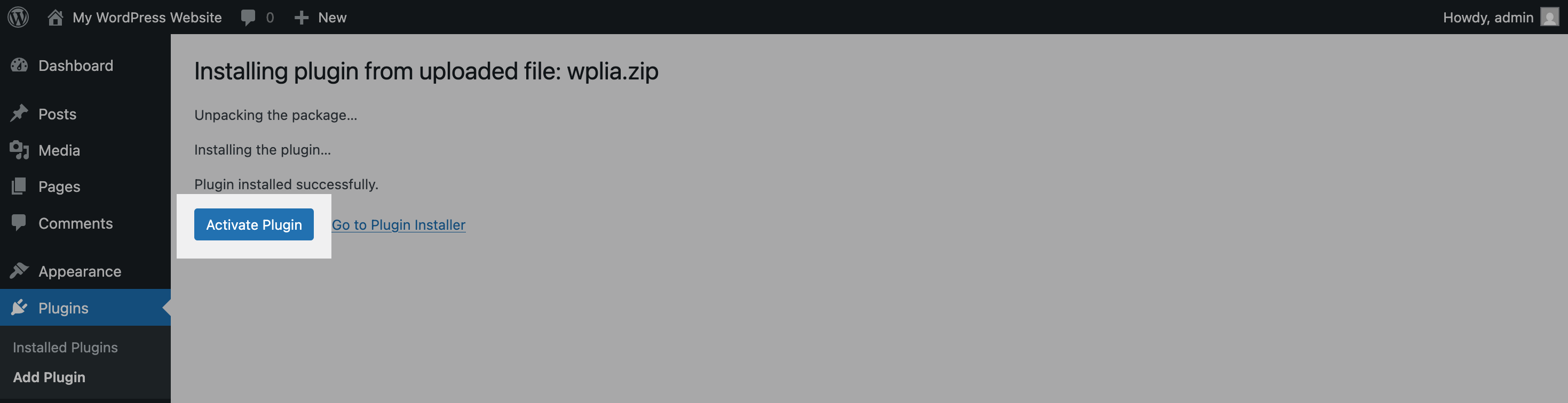
Click Activate Plugin
Entering Your License Key
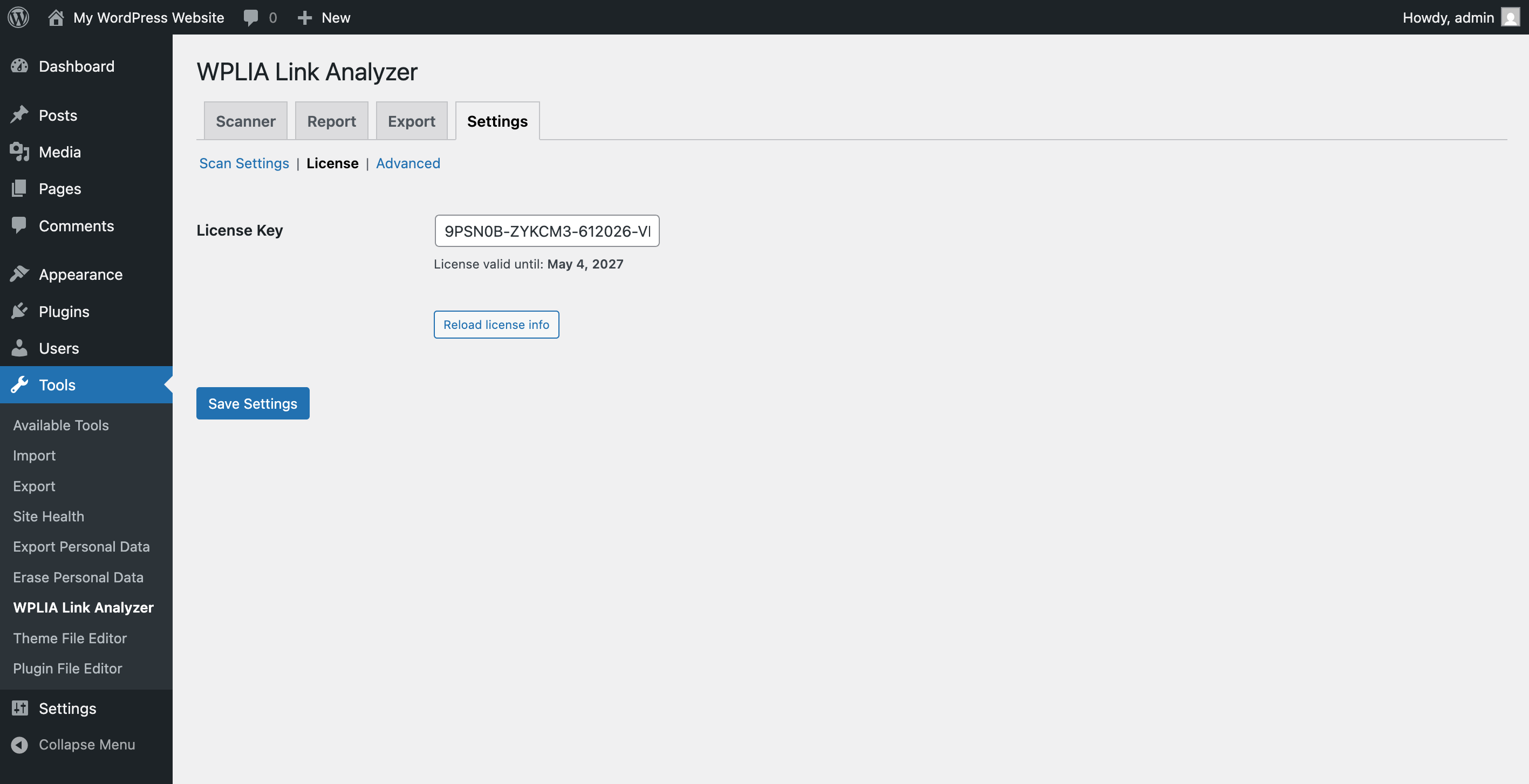
After activating the plugin, go to "Tools -> WPLIA Link Analyzer -> Settings -> License" inside admin dashboard. Paste your license key into the license field and save it.
The plugin will validate your key to allow the plugin updates access.