Scanner
Running Your First Scan
Once the plugin is active and licensed, navigate to "Tools -> WPLIA Link Counter -> Scanner" in your admin menu.
Click "Scan All Content" to start your first scan. The plugin will process your content in batches and show a progress log.
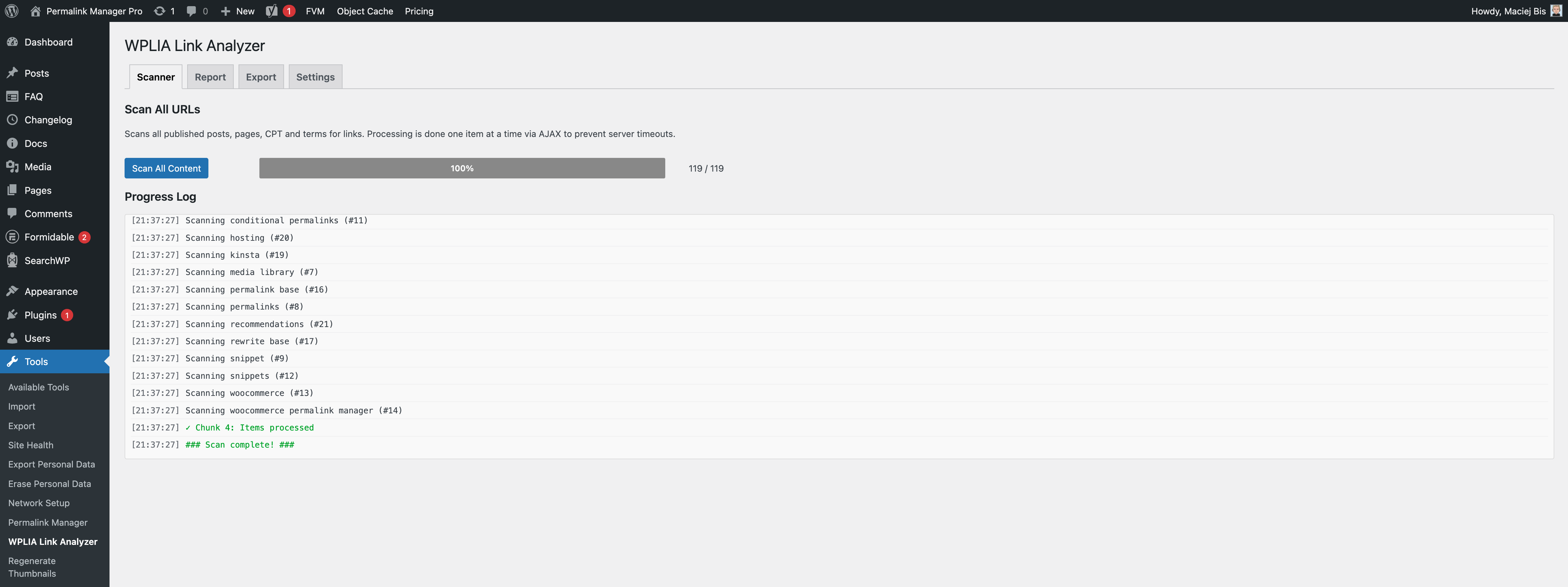
When it finishes, switch to the Report tab to view the results.
When to Rescan
The report always shows results from the last time you ran a scan. If your content or permalinks have changed since the last scan, the current report will not reflect that.
To get accurate results, simply run the scan again.
What Gets Scanned
Supported Content Types
By default, WPLIA scans all public post types and taxonomies registered in your WordPress website. This includes:
Posts
Pages
WooCommerce products and product categories
Any public custom post types & taxonomies added by your theme or plugins
Limitations
WPLIA scans the content wp_posts.post_content and wp_terms.description columns stored in the WordPress database. This means:
It reads post/page/custom post type item's content, and taxonomy descriptions.
It does not scan links inside widgets, navigation menus, or comments.
It does not scan content stored in files outside the database, such as hardcoded links in PHP files
If you use a page builder (e.g. Elementor, Gutenberg, Beaver Builder, Bricks) WPLIA will process the links as long as the page builder stores them in the standard WordPress content field like most page builders do.
Where the Data Lives
All scan results are stored in your WordPress database, in a custom table (wp_wplia_links) created by the plugin.
How It Is Different from Other Link Crawlers
Most link-checking tools work like a bot that visits your site from the outside. They crawl your pages one by one, just like Google does.
This can cause a few issues. They cannot see your draft posts, password-protected pages, or pages marked as noindex. On bigger WordPress sites, they often run into timeouts.
Instead of crawling your front end, WPLIA queries your WordPress database directly. There are no timeouts, no rate limits, and no external services handling your data.